Notifications
We strongly recommend enabling notifications so your teammates are informed in advance about upcoming vacations and holidays. Notifications can be configured organization-wide or at the team level. To set them up, click the workspace name in the main menu or select a team, then go to Time off → Notifications.
There are three types of notifications available:
- Days off — Notifies about vacations, sick leave, and other absences.
- Holidays — Notifies about upcoming national holidays in the countries where your teammates are located.
- Birthdays — Notifies about teammates’ birthdays, if they have provided their date of birth in their profile. The notification is sent at 9:00 AM in the teammate’s time zone.
Notification channels
All types of notifications can be delivered to:

Email — configure recipients in the Email recipients field.

Slack — after you connect your Slack workspace to Teamplify, you'll be able to select Slack channels where notifications will be delivered.

Mattermost — after you connect your Mattermost instance to Teamplify, you'll be able to select Mattermost channels where notifications will be delivered.
Friendly reminder
Even with chat notifications enabled, people may still miss them and try to reach a teammate who isn’t available. In these cases, the Teamplify bot can step in and reply with a friendly reminder:
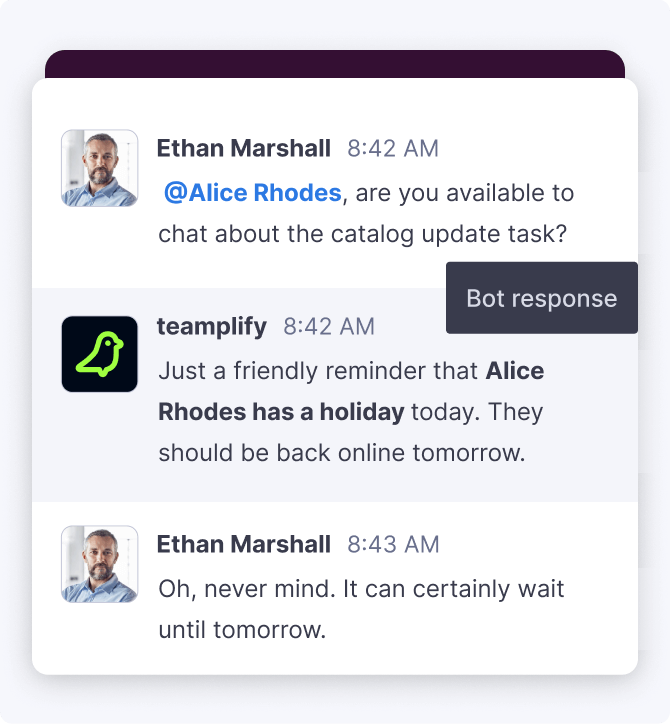
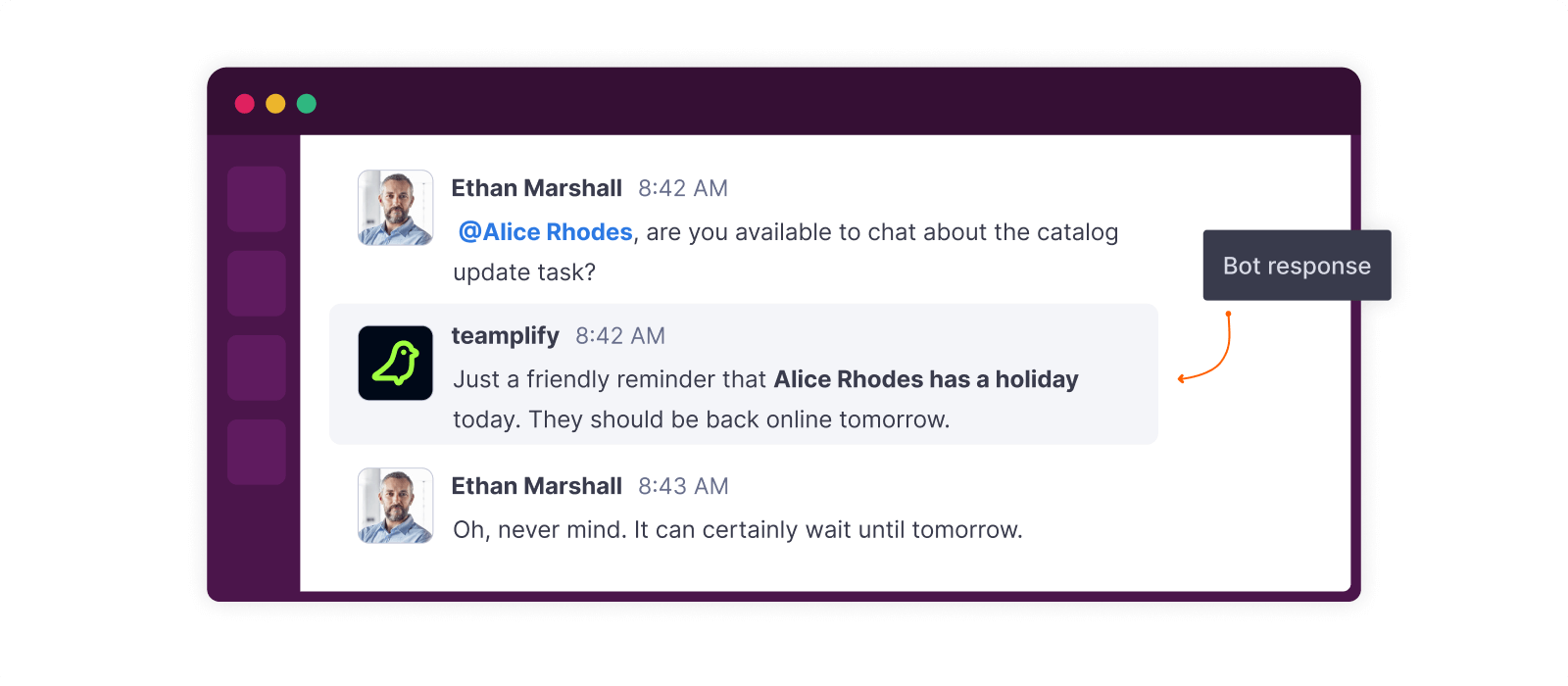
This feature is available for Slack and Mattermost. To enable or disable it, click the workspace name in the main menu, go to Settings → Integrations tab, select your Slack or Mattermost integration, and toggle the Time off friendly reminder switch.
