Microsoft Teams integration
You asked, and we delivered. Microsoft Teams integration has been one of the most requested features in Teamplify, and we're excited to announce that it’s finally here!
Smart Standups in Teams
Meeting time is precious, so use it wisely. Virtual standups in Teams keep your team in sync with fewer meetings and fewer distractions. Teamplify's standups are time-off aware, so the bot won't bother teammates during vacations or holidays, and will keep everyone informed when someone is unavailable. Integrated Time Tracking helps you spot tasks that are taking too long, while Team Workflows keep your task tracker organized and highlight potential bottlenecks.
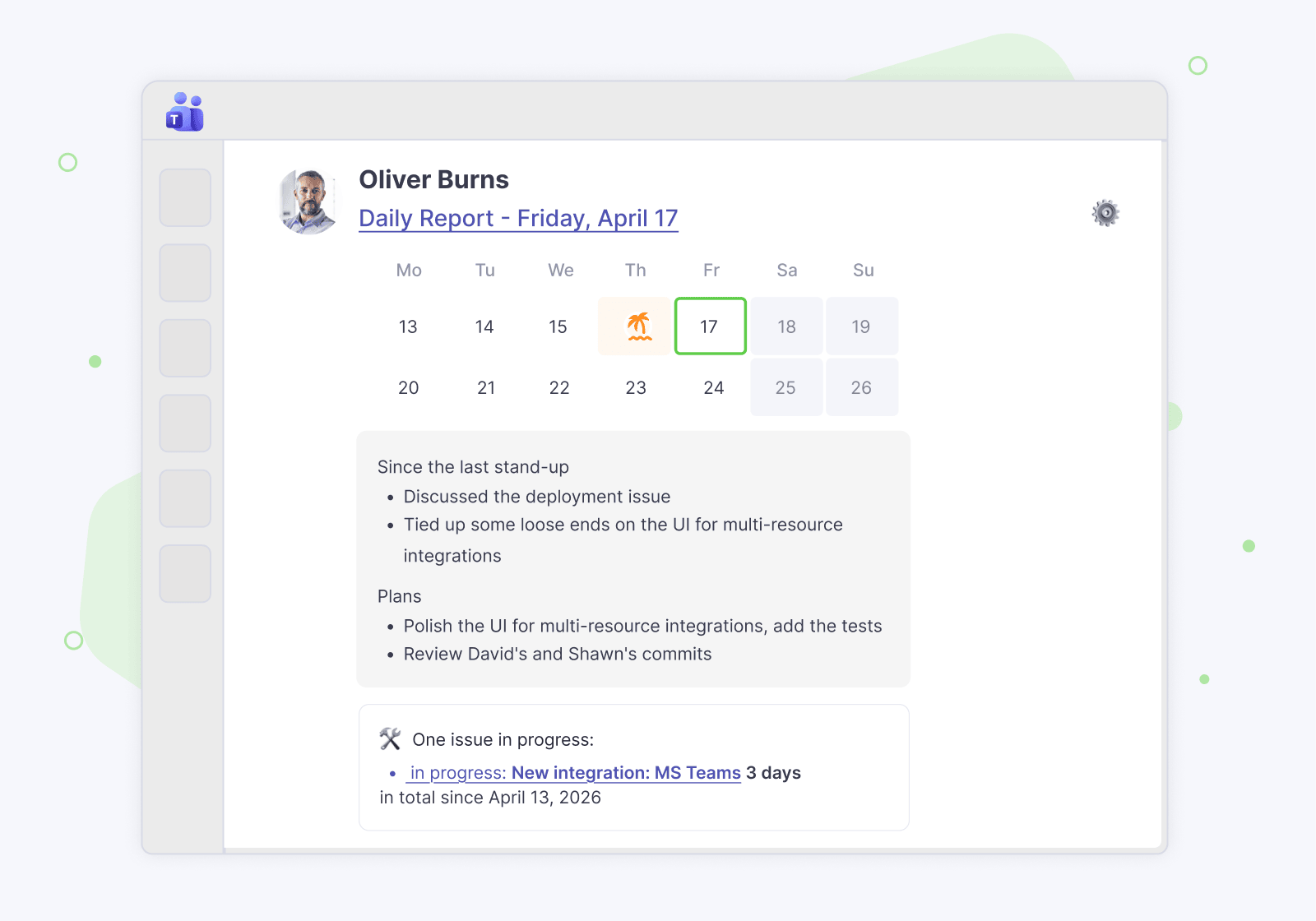
Time off notifications
Teamplify's Time off feature is now fully integrated with Microsoft Teams. Notifications about vacations, sick days, and national holidays help you stay informed and plan ahead with fewer surprises. And if you've enabled the Approval flow in Teamplify, you can now receive approval requests directly in Teams.
Team Analytics
Microsoft Teams now joins the growing list of integrations supported by Team Analytics, alongside Jira, Asana, Linear, GitHub, GitLab, Slack, and other popular platforms.
Team Analytics brings data from all your sources into one place, giving you a bird's-eye view of team and individual performance, with detailed breakdowns and trends over time. It also analyzes collaboration patterns, helping you identify who works together most closely.
Connecting Teams enriches Team Analytics with additional data for a more complete and accurate picture, all while keeping your privacy intact. Your meetings and private messages always remain private. Learn more about what data we analyze.
Connect Microsoft Teams
You can connect Microsoft Teams in one of two ways:
- Find Teamplify in the Microsoft Marketplace and follow the instructions provided by the Teamplify bot.
- Alternatively, in your Teamplify workspace, go to Settings → Integrations, select Microsoft Teams, and follow the on-screen prompts.
