Time Tracking
Teamplify's time tracking is fully automated and requires zero manual input. Instead of asking your team to log hours, Teamplify analyzes task history from your connected integrations and calculates time spent on each issue automatically.
Time tracking works with all issue tracker integrations: Jira, Linear, Asana, Trello, YouTrack, GitHub, and GitLab.
Privacy-friendly
Teamplify only uses information that is already openly shared with the team: issue statuses, assignments, and work schedules. There is no tracking software to install on employees' computers.
How it works
Teamplify combines task status history with your team's working schedule to calculate time spent on each issue. It only counts working days — weekends, public holidays, and time off are automatically excluded.
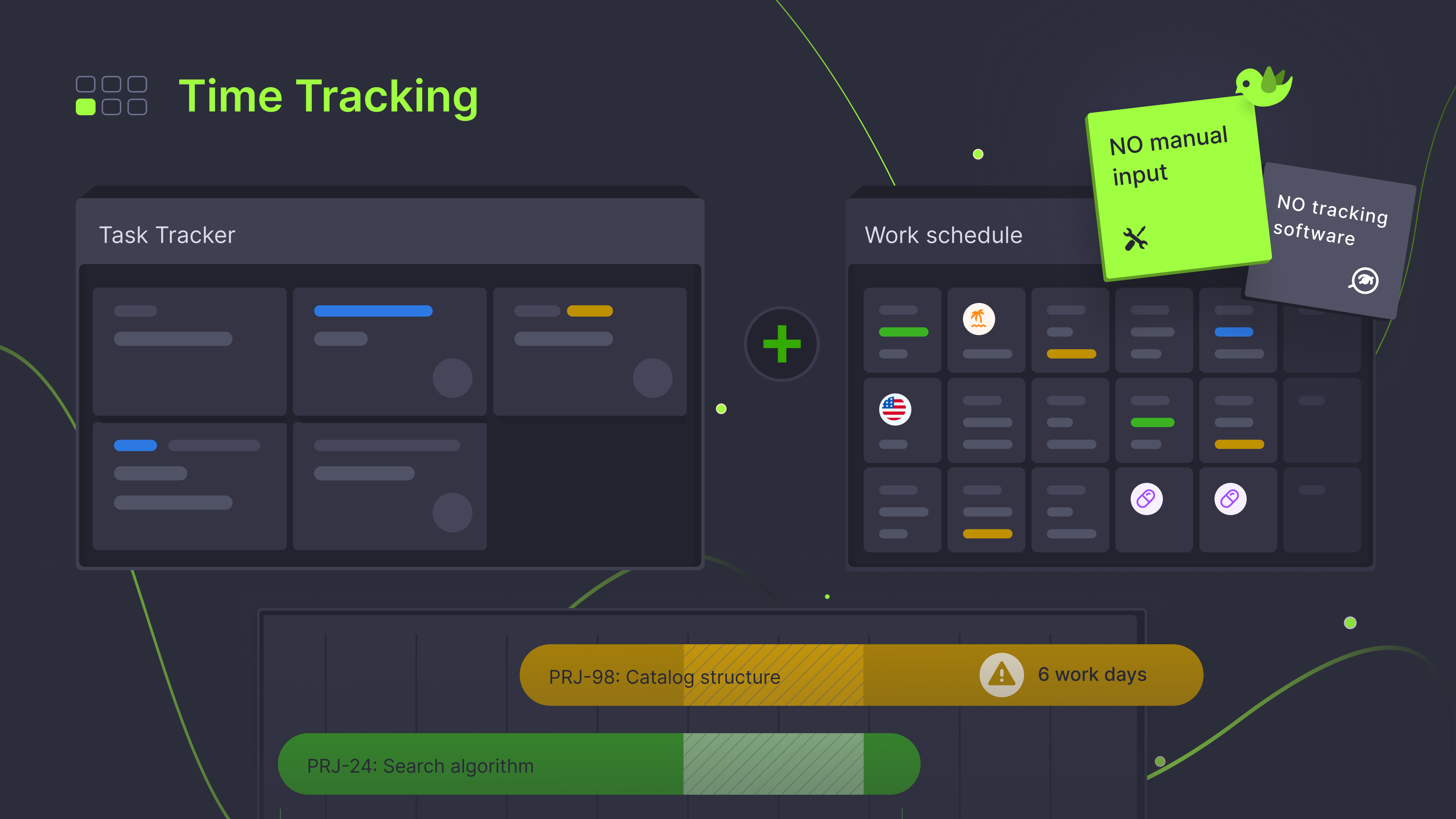
The calculation is simple: if someone has one task in progress on a working day, that task gets credited with a full day. If they have two tasks in progress, each gets half a day, and so on.
Because time tracking is based on historical data, it works back in time. You'll get accurate time reports for previous months — even if you just connected Teamplify today.
Requirements
For time to be tracked on an issue, three conditions must be met:
-
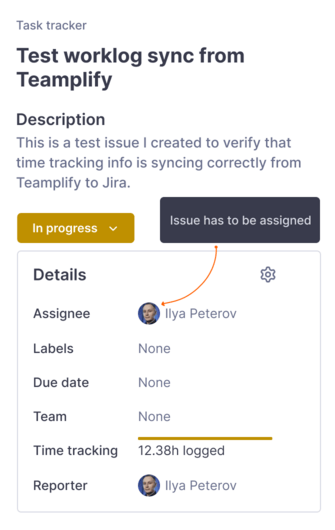
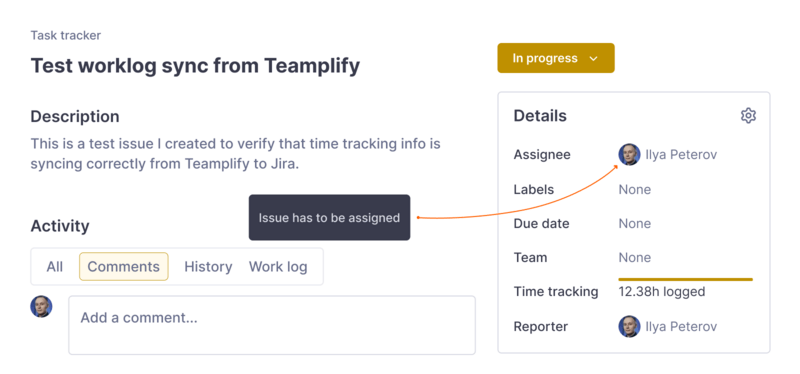
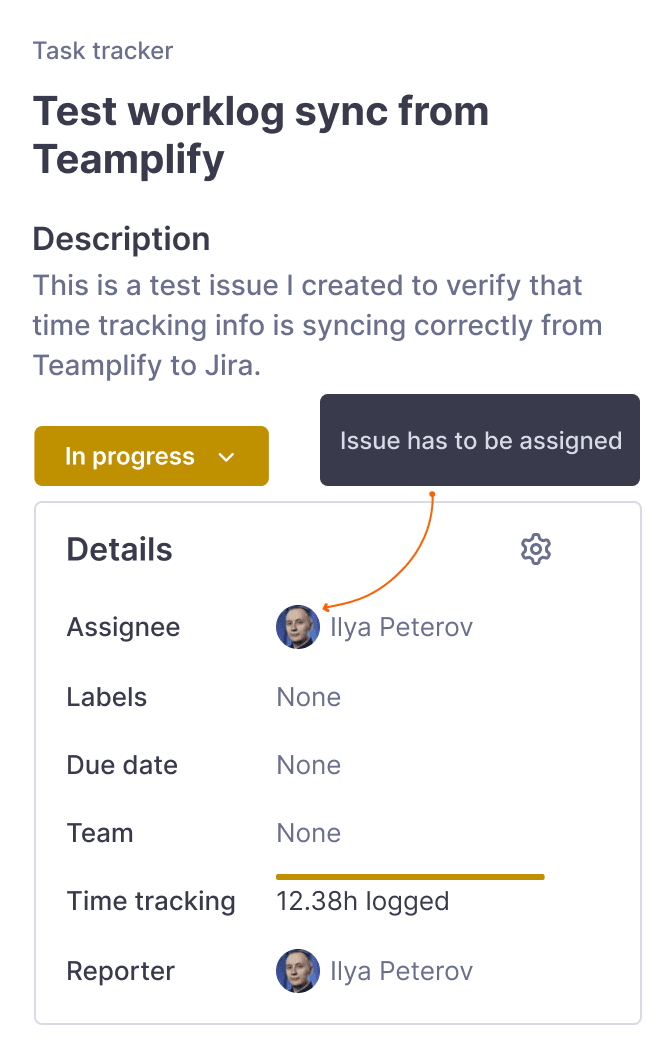
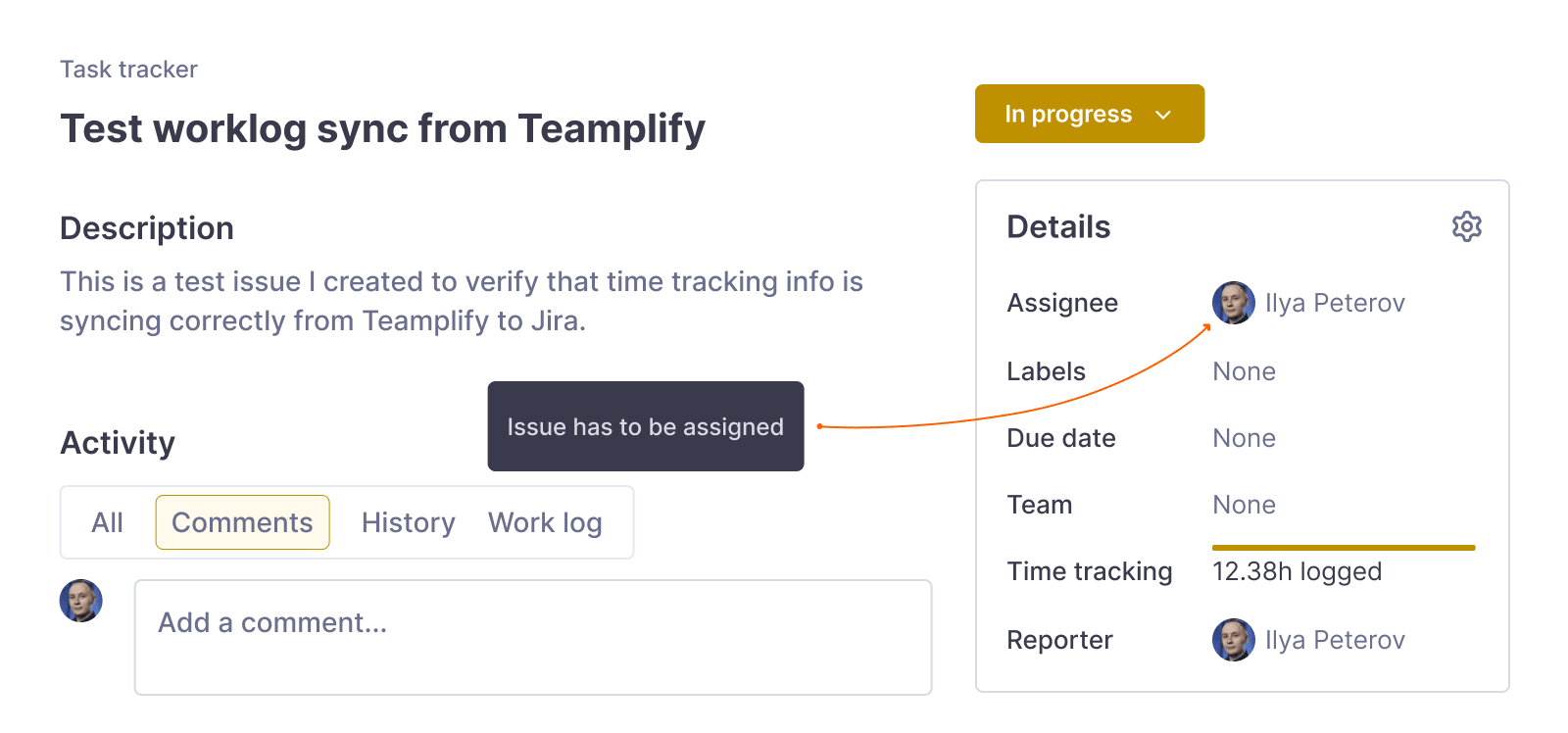
The issue is assigned — Time is credited to the assignee.
-
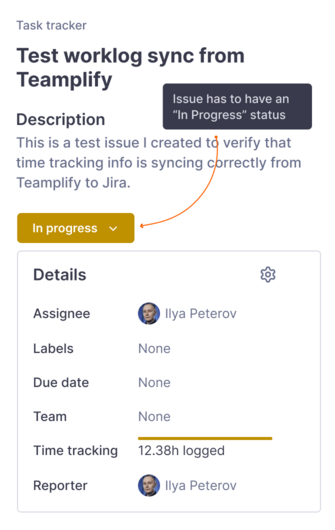
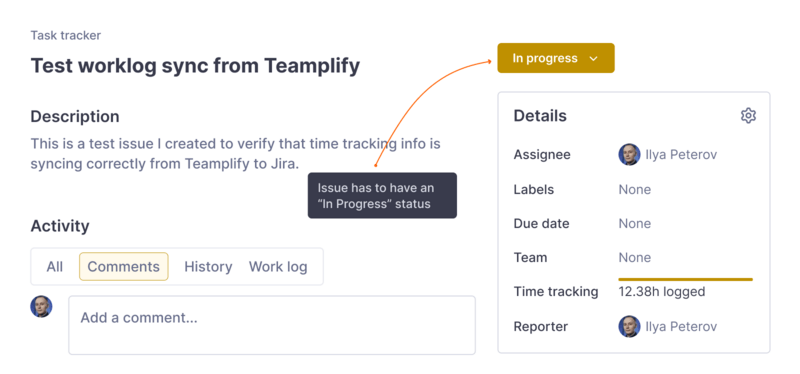
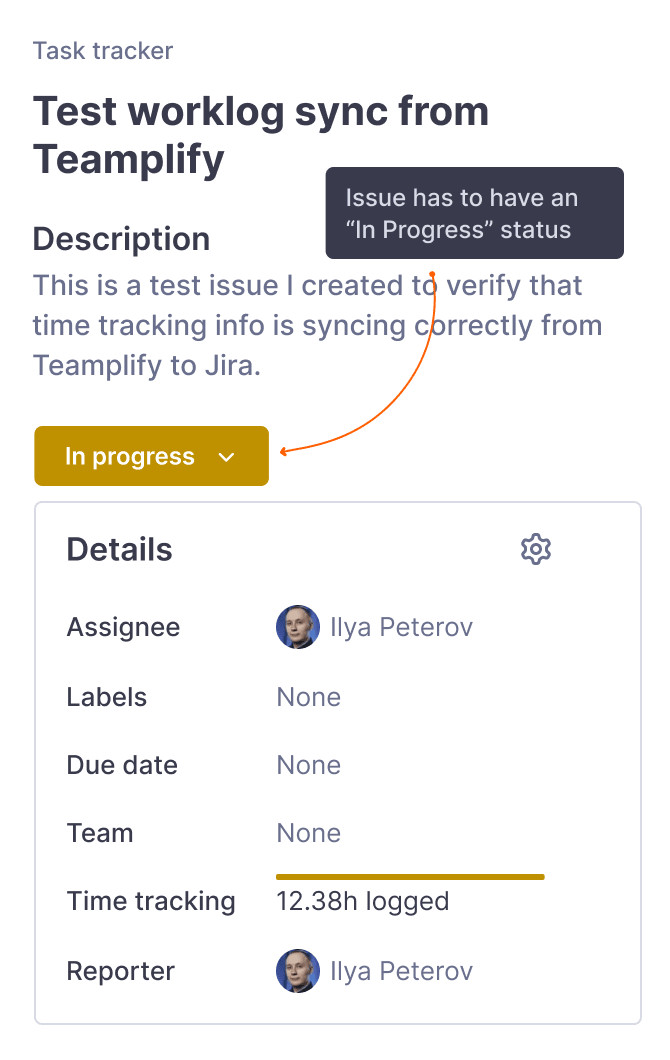
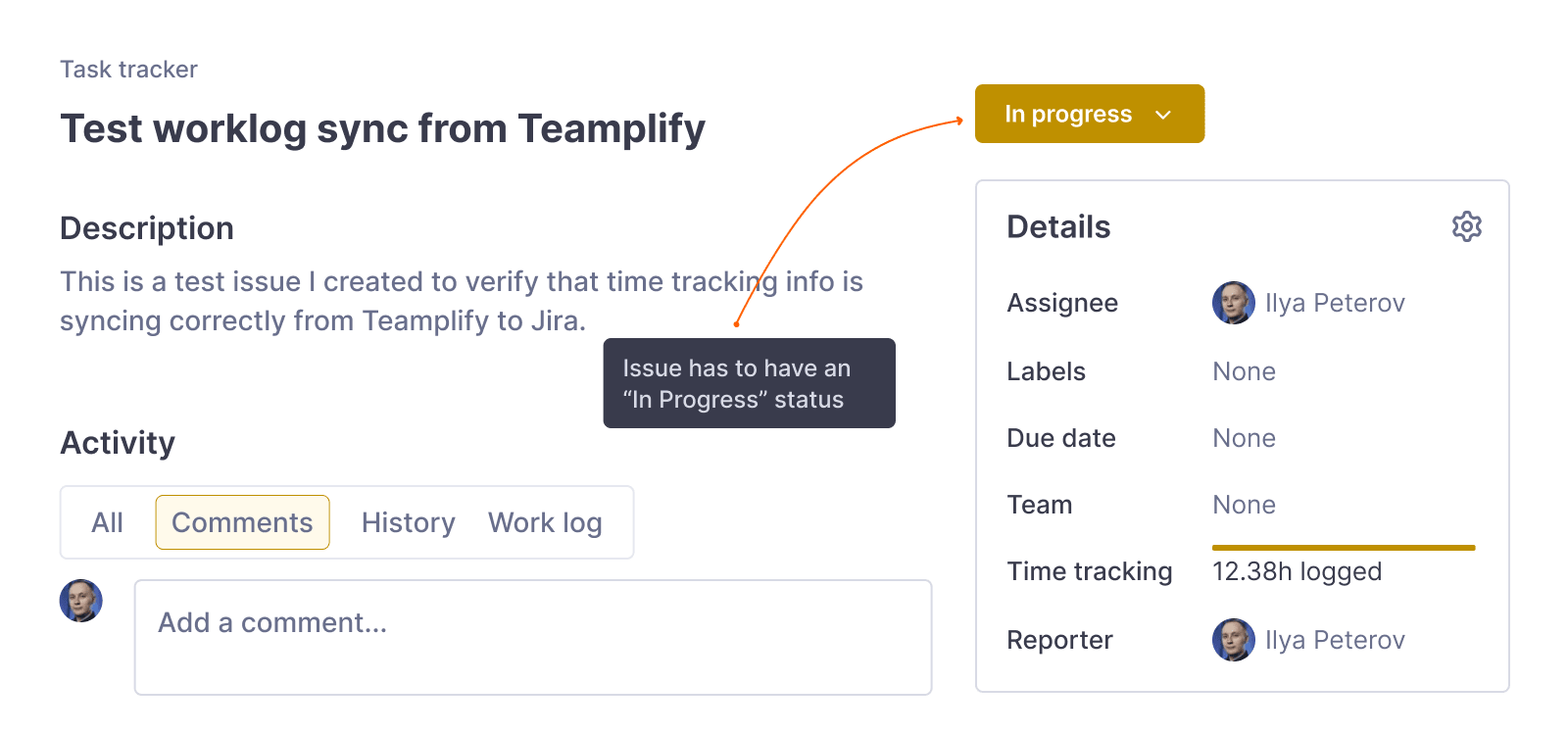
The issue is in an "in progress" status — Only active work is tracked.
-
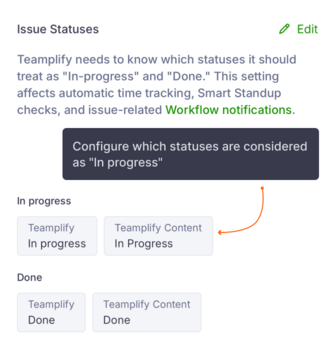
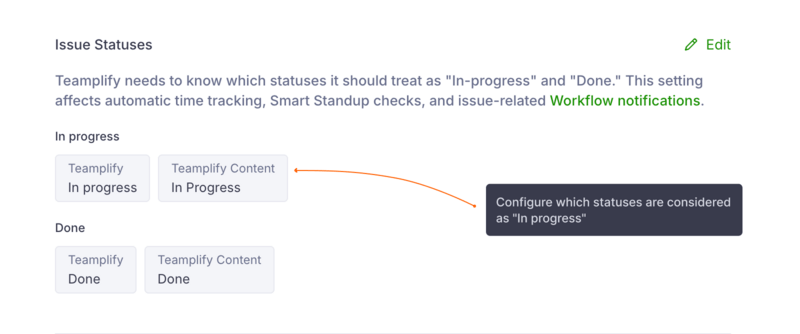
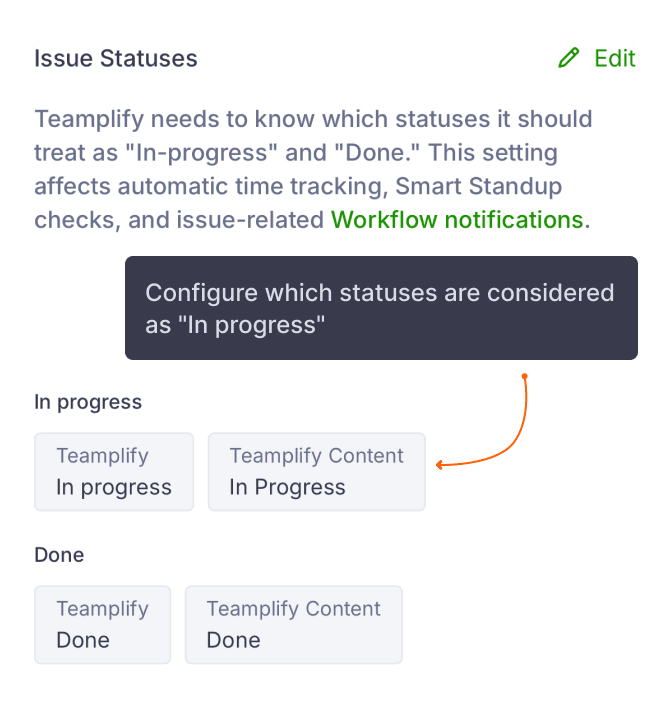
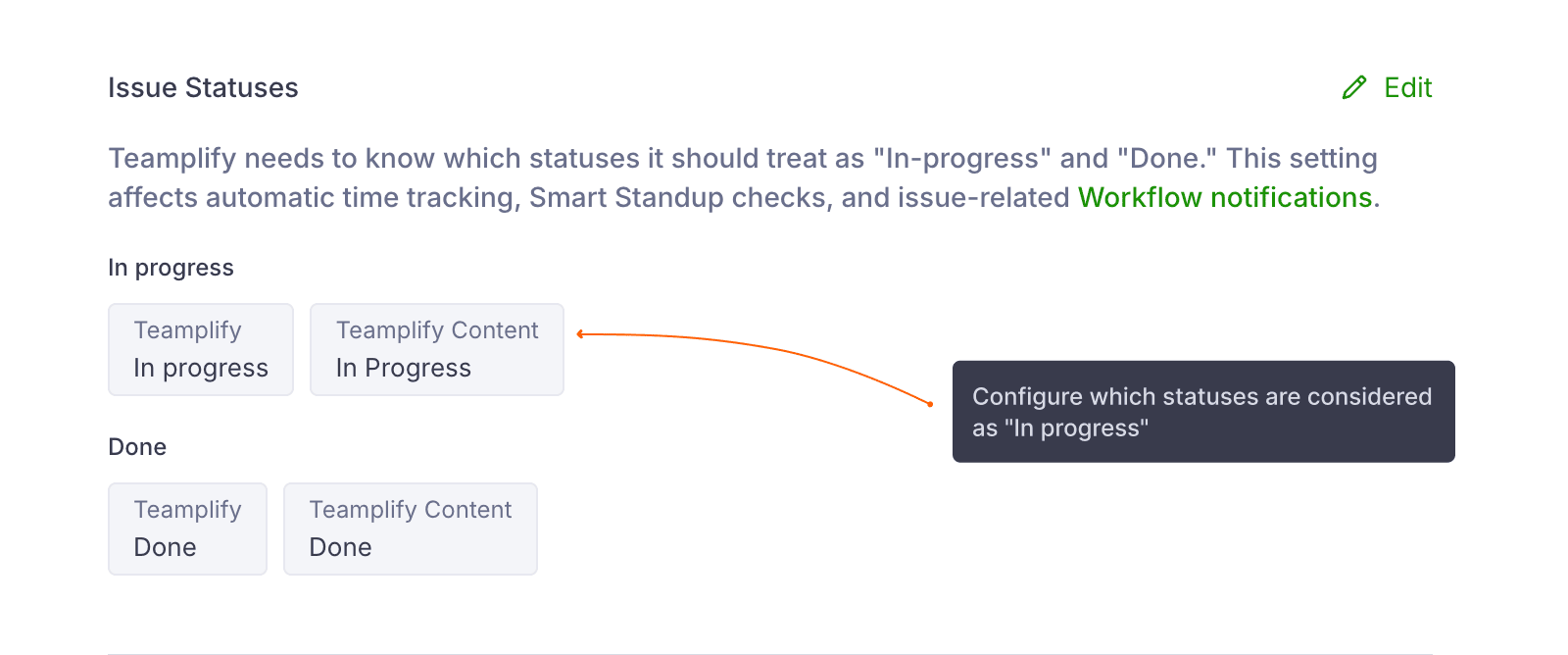
The status is configured in Teamplify — Teamplify needs to know
which statuses in your task tracker represent "in progress" work.
Viewing time reports
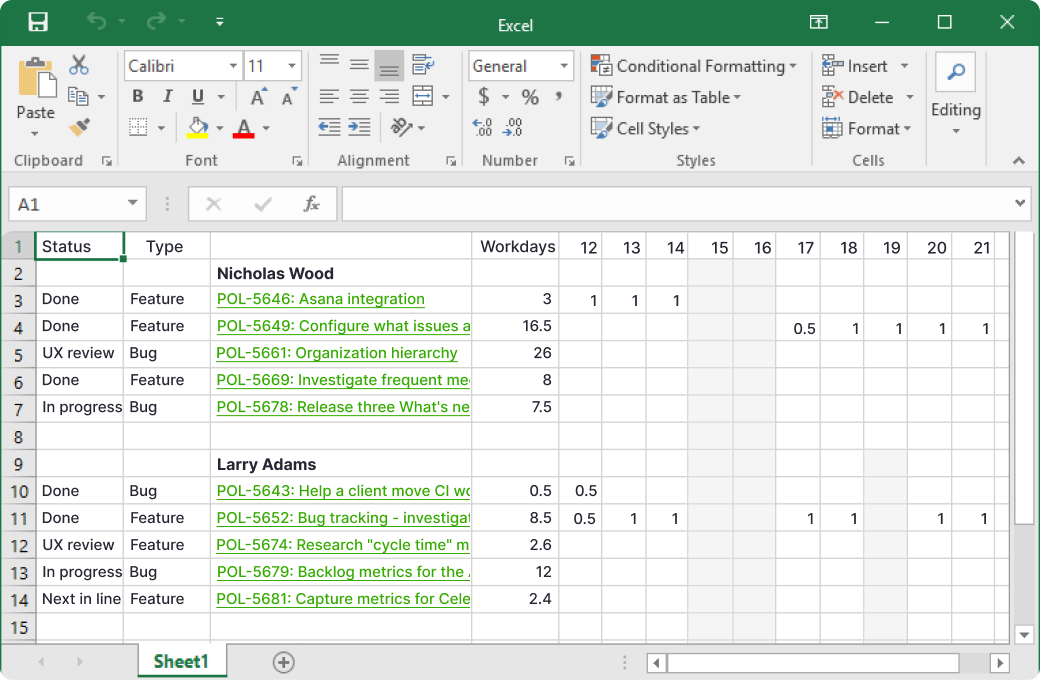
The most detailed view is the Excel export, available from the Analytics section. It includes a breakdown of time spent on each issue by person and date.
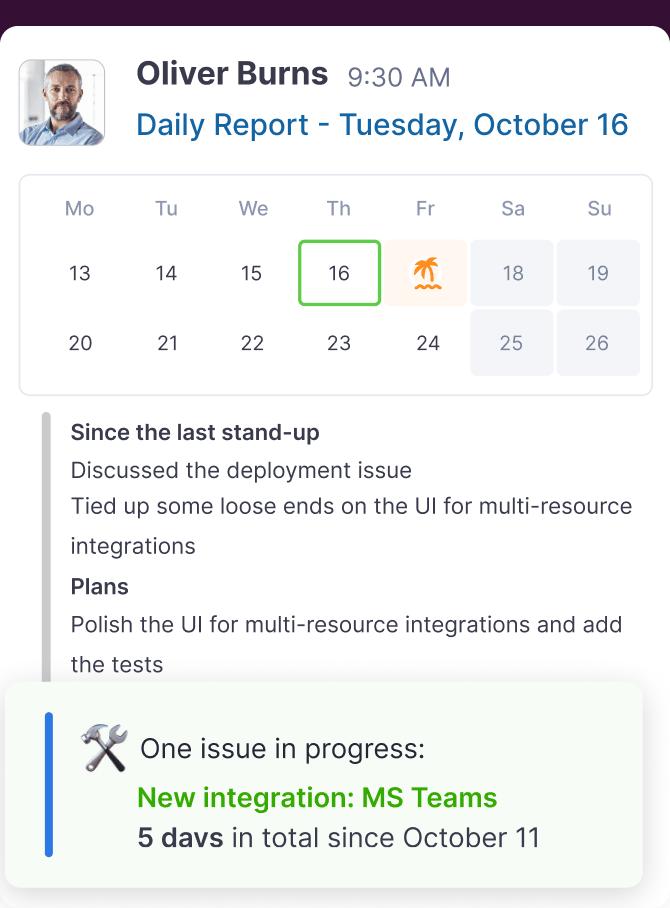
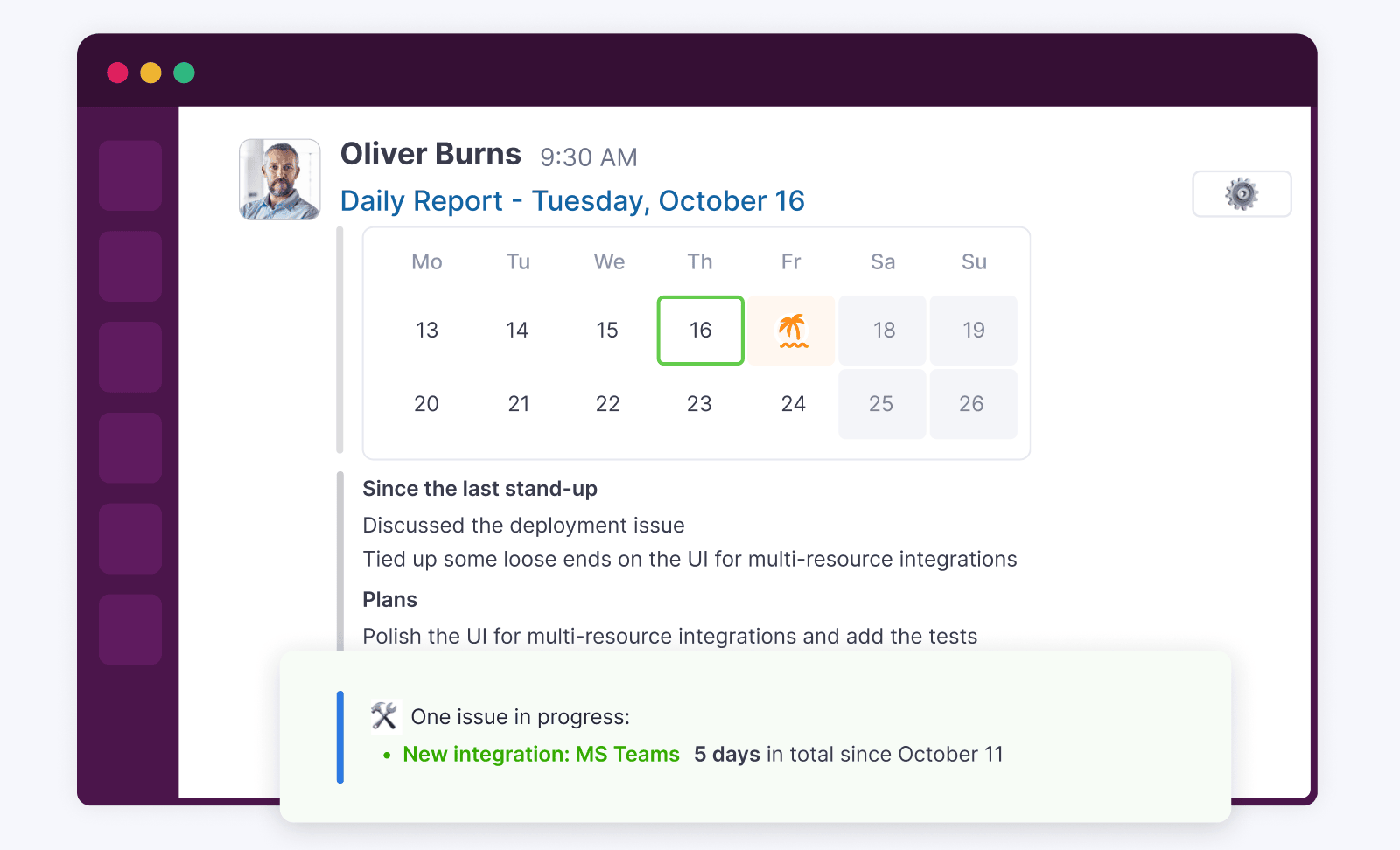
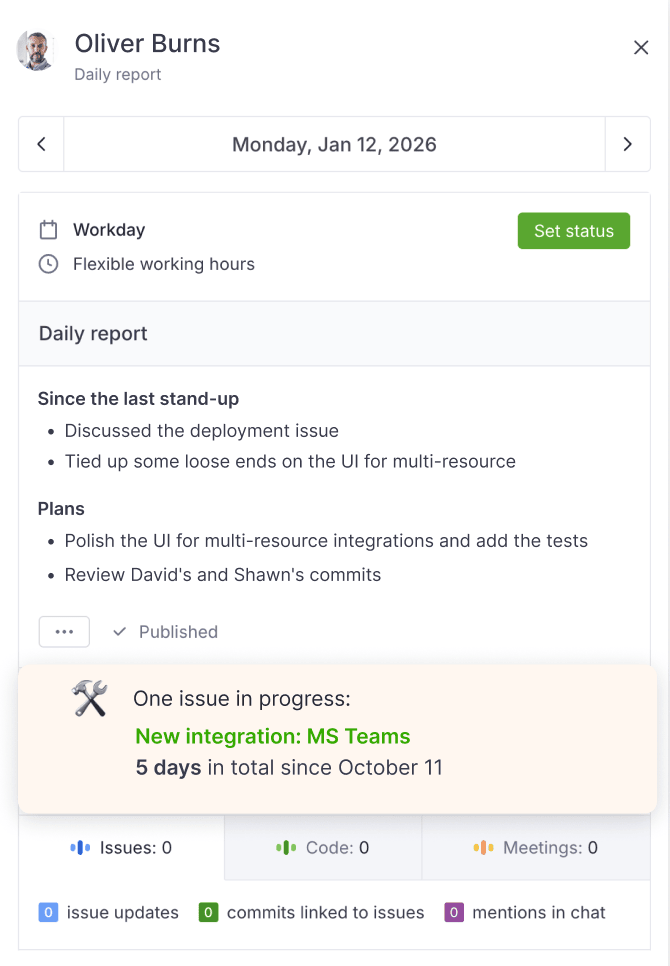
Time tracking data also appears in Smart Standup messages in Slack:
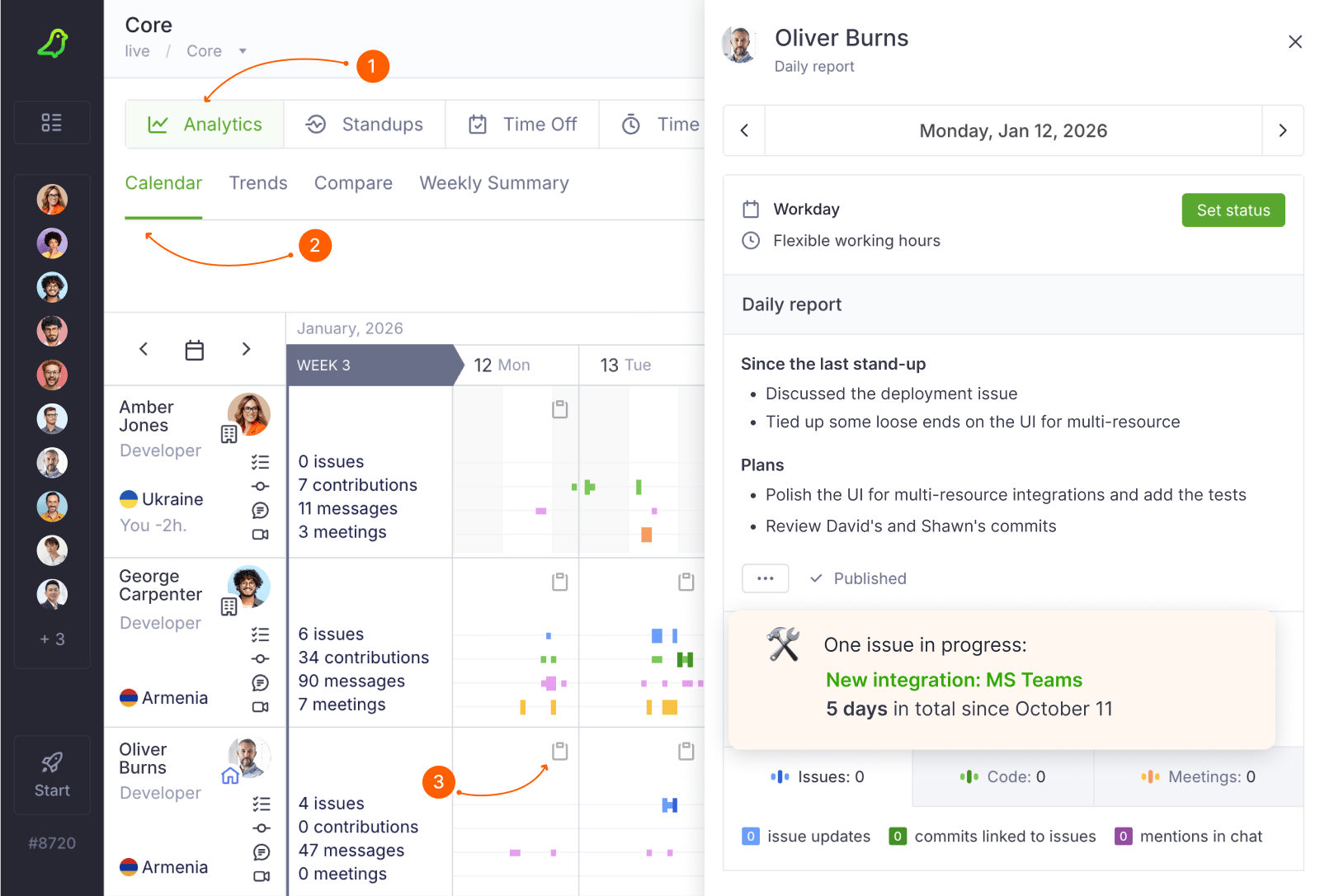
And across the Teamplify UI, such as the Team Analytics calendar:
Improving accuracy
Time tracking accuracy depends on how well your team maintains task statuses. Use Team Workflows to help keep things on track:
- Remind people to mark tasks as "in progress" when they start working.
- Alert when someone has multiple tasks in progress at the same time.
- Notify when a task has been in progress for too long without updates.
