Time Off Management
Teamplify includes a built-in time-off management system that seamlessly integrates with Team Analytics, Smart Standups, Time Tracking, and the rest of the platform’s features.
Requesting time off
You can request time off from the Time off tab in your Teamplify profile or from the team calendar view. Either click the Set your status button, or hover on any day on the calendar and click the ⊕ icon:
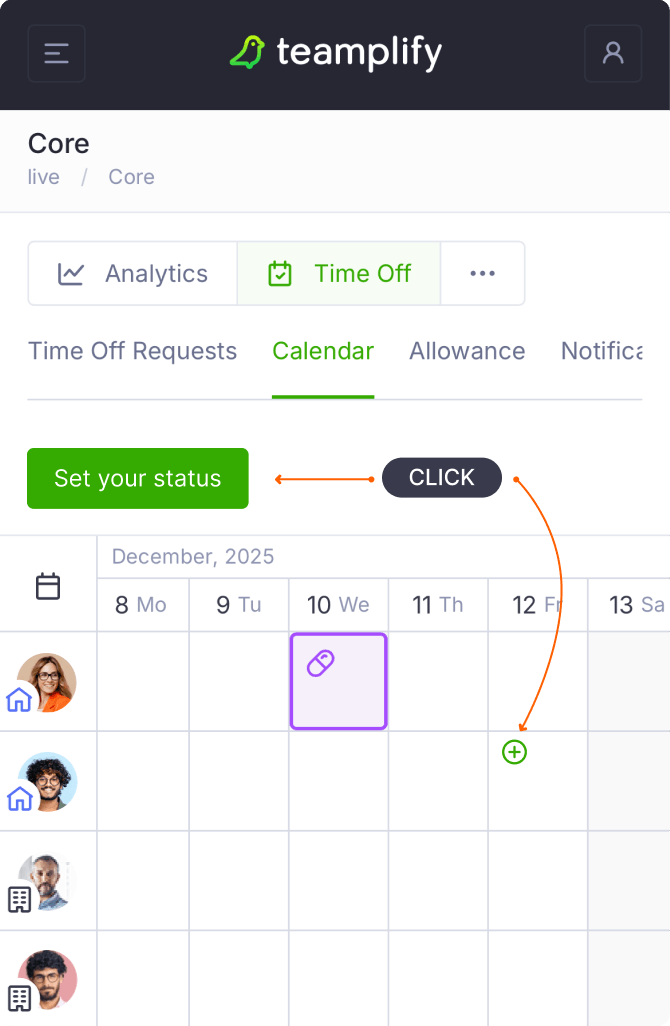
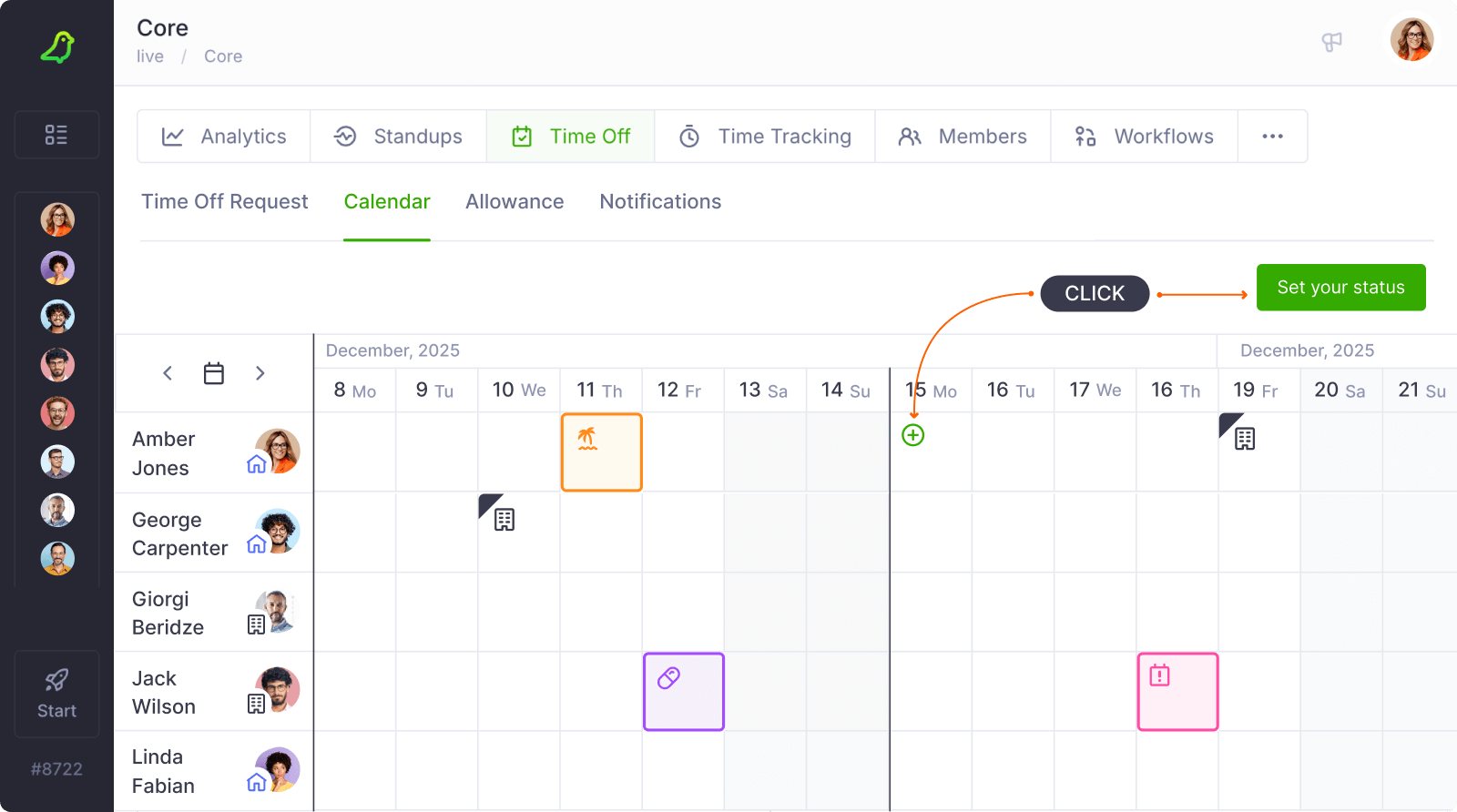
Organization admins and team supervisors can also set availability statuses not only for themselves but for other team members as well.
Requesting time off from Slack
If you've integrated Teamplify with Slack, you can also request time off from within Slack using the following command:
/teamplify status
