See your teammates' availability in your team chat
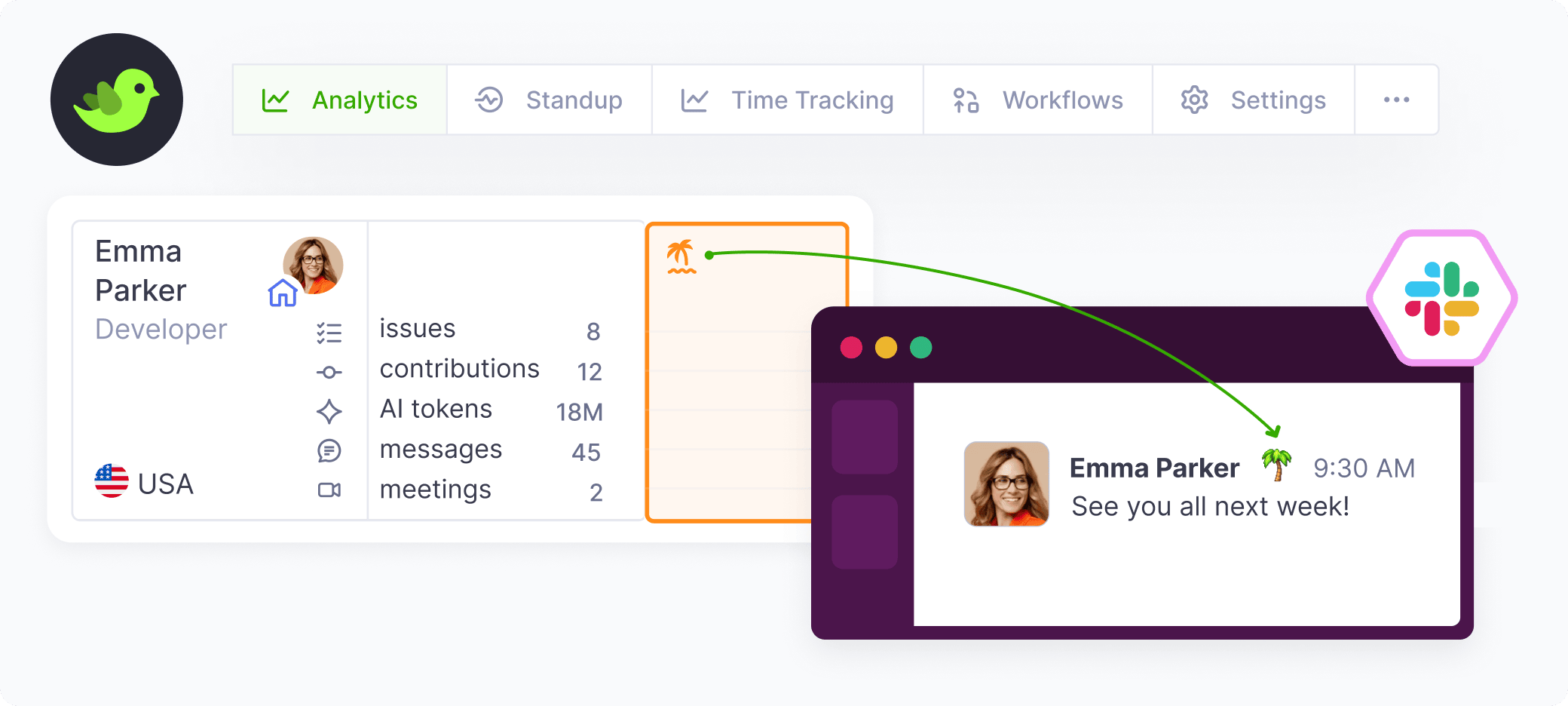
Teamplify can now sync time-off statuses with Slack, Microsoft Teams, or Mattermost. For example, when someone takes a vacation, you'll see a 🌴 icon right next to their avatar in the team chat:
How to set up
1. Enable this feature for your chat integration
In your Teamplify workspace, click on the organization name in the main menu, then Settings > Integrations. Select your Slack, Microsoft Teams, or Mattermost integration, click Edit in the Configuration section, and enable Show time off in statuses.
2. Make sure user accounts are linked
Make sure that your teammates' chat accounts are linked to their Teamplify profiles. You can do it on the Accounts tab of the chat integration page. Alternatively, each Teamplify member can configure it for themselves in their profile in Teamplify.
