Improved availability status controls
Teamplify provides a range of availability statuses, such as Vacation, Sick Leave, PTO, Personal Leave, and others, covering almost all real-world situations in an organization. However, not every organization needs the full set. In many cases, it makes sense to keep only the statuses that are actually in use and disable the rest. Previously, this could be done using Policies, which are highly flexible and allow you to enable or disable specific statuses for selected members of your organization. However, Policies are available only on paid plans and require some setup time.
Today, we’re introducing a simpler way to manage availability statuses, available on all Teamplify plans, including the Free plan. To access it, open the main menu, click your workspace name, and go to Time off > Statuses:
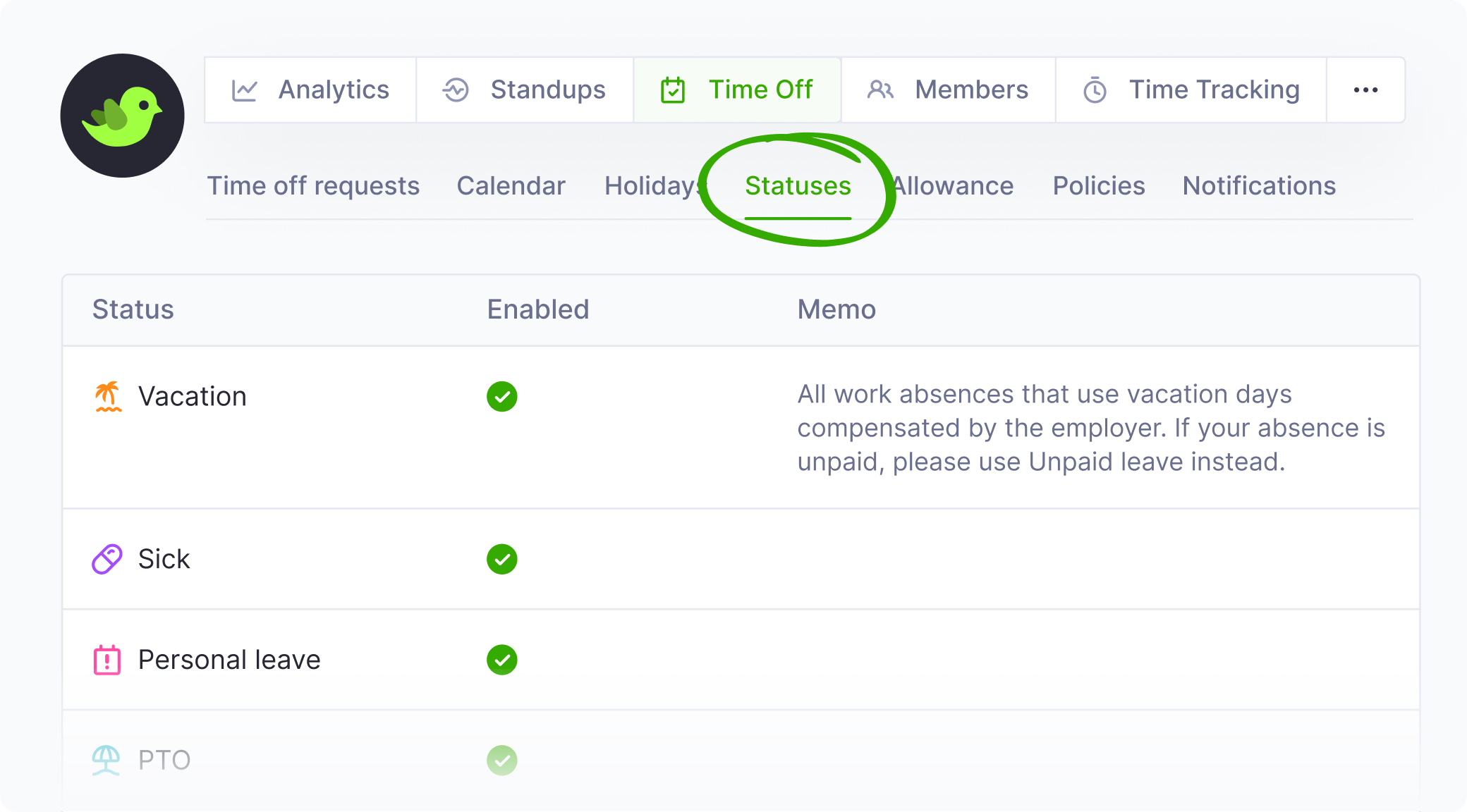
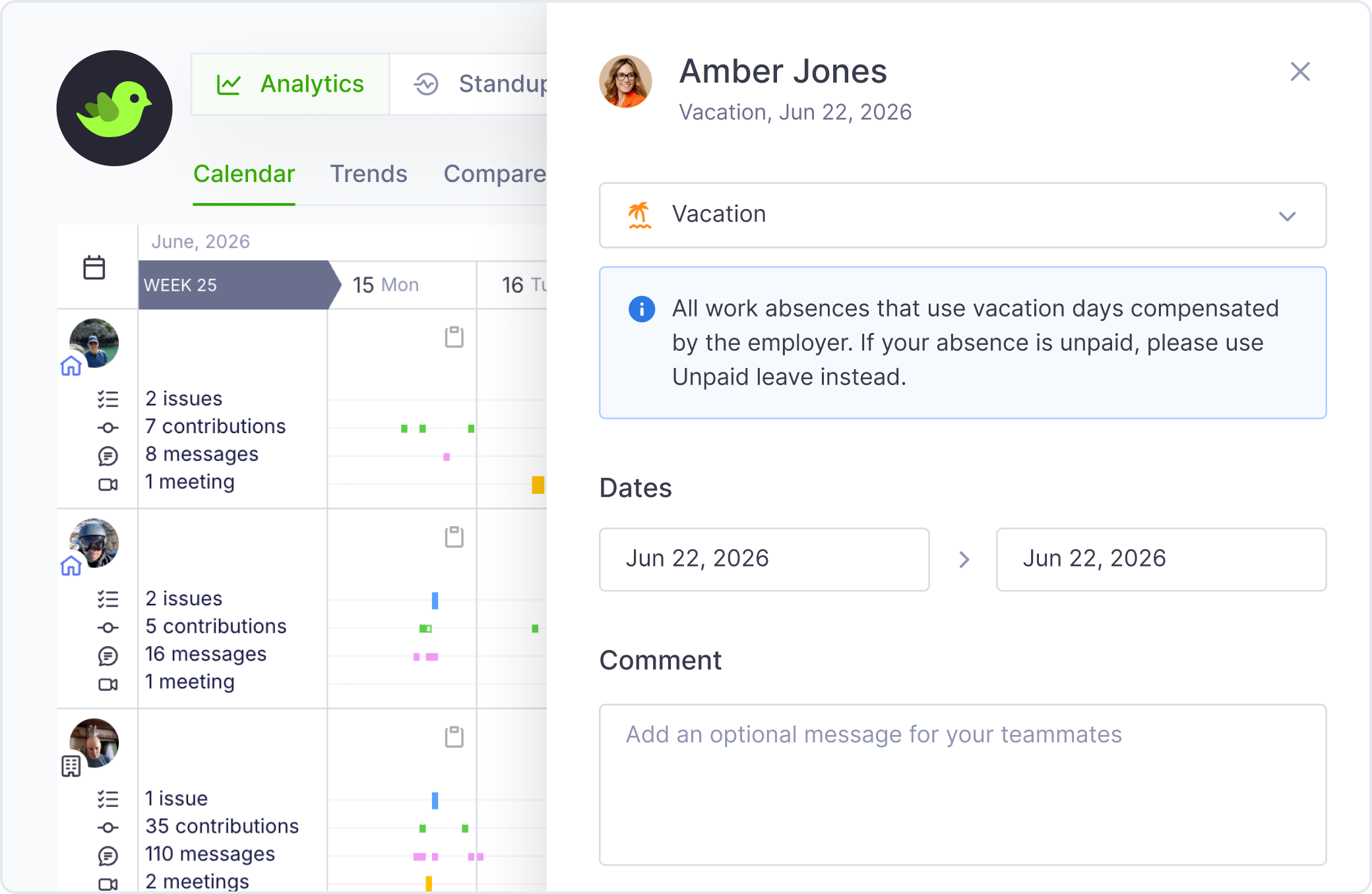
On this screen, you can quickly enable or disable specific availability statuses for the entire organization, and optionally add a memo that will be shown to teammates when they select a given status:
These new controls work seamlessly alongside Policies. Organization-wide settings define the default availability of each status, while Policies can override these defaults for specific users. In practice, this means you can enable a status for everyone and disable it for selected individuals via a policy, or disable it globally and then re-enable it only for specific members when needed.
